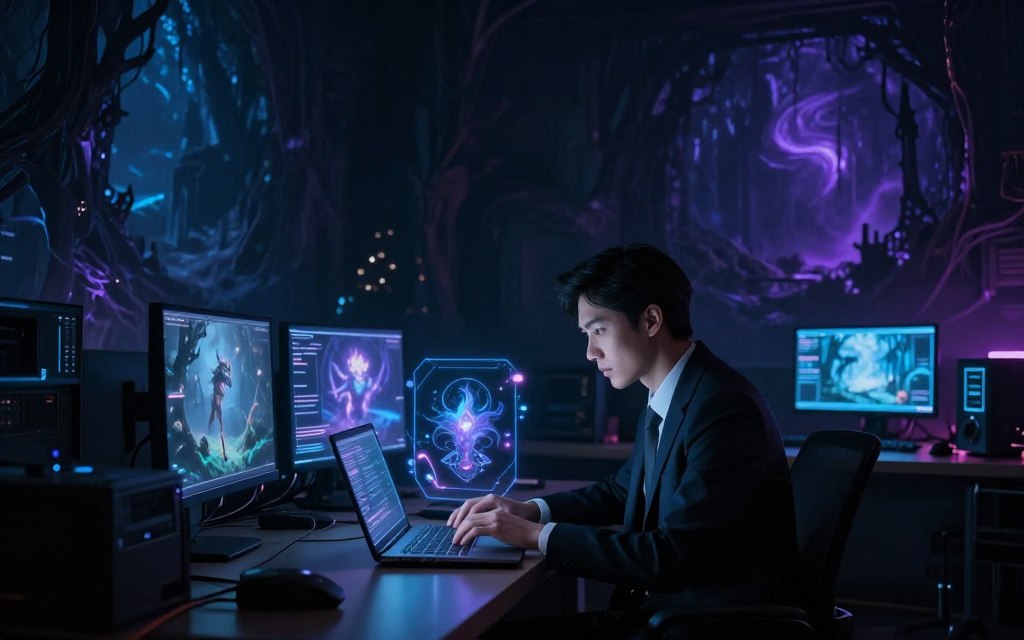

Learn how to make dark fantasy AI videos through an exciting mix of technology and creativity. This guide helps you create AI-generated fantasy videos through a clear, structured workflow. You will turn imaginative concepts into striking visuals.
This dark fantasy AI video tutorial covers tools and methods for successful video production. Generative image tools and AI video generators can bring your visions to life. You will also learn prompt engineering, sound design, editing, and color grading for polished, engaging projects.
You will develop a compelling concept, create reference images, and animate them into dynamic clips. Recommended tools include Runway Gen-3 Alpha Turbo, Pika Labs, Kling AI, and Midjourney.
Other recommended tools include Stable Diffusion, Leonardo AI, DaVinci Resolve, Adobe Premiere Pro, and CapCut. Strong results depend on creative direction and consistent visual planning, not one-click generation.
Key Takeaways
- Understand the workflow for creating AI-generated fantasy videos.
- Learn about essential tools for video production.
- Explore techniques for developing engaging concepts.
- Discover methods for animating and editing your clips.
- Emphasize the importance of creative direction and planning.
What Is Dark Fantasy AI Video and Why Creators Love It
What is dark fantasy AI video? It blends eerie storytelling with advanced technology. It combines fantasy elements, such as magic, mythical creatures, and ancient kingdoms, with themes of unease and tension. Unlike traditional high fantasy, it explores characters and settings through psychological depth, not only heroism and adventure.
Creators use the dark fantasy genre to explore decay, tragedy, and moral ambiguity. These stories challenge viewers’ perceptions and emotions through haunting landscapes and grotesque creatures. This approach strengthens AI fantasy storytelling and creates an atmosphere that captivates audiences.
Defining the Dark Fantasy Genre in AI Video
In the dark fantasy genre, mood and tone guide AI video design. Creators use AI tools to make striking visuals that match each story’s themes. Text-to-image and text-to-video models quickly build unusual settings and detailed costumes, helping artists focus on narrative depth instead of technical details.
Why Dark Fantasy Works So Well for AI Generation
AI suits dark fantasy because it can create surreal transitions and cinematic lighting. It lets creators test visual styles that traditional methods may struggle to achieve. This supports cinematic AI video and encourages fresh visual ideas.
Creators must also keep a consistent tone and visual language. With these elements, imaginative AI outputs feel cohesive and form one story, rather than disconnected images. This coherence engages viewers and builds a deeper connection with the narrative.
| Characteristic | Dark Fantasy AI Video | High Fantasy |
|---|---|---|
| Themes | Moral ambiguity, decay, tragedy | Heroism, adventure, light |
| Visual Style | Haunting, surreal, eerie | Bright, vibrant, epic |
| Character Focus | Psychological depth, flawed heroes | Clear-cut heroes, quests |
| Emotional Impact | Unease, tension, introspection | Inspiration, excitement, joy |
Essential Tools for Creating Dark Fantasy AI Videos
Creating dark fantasy AI videos starts with the right tools. The best AI video generators, image tools, and editors can bring your vision to life.
Top AI Video Generators
AI video generators animate ideas and build engaging stories. Here are several strong options.
Runway Gen-3 Alpha Turbo
Runway Gen-3 Alpha Turbo smoothly animates reference images and creates text-to-video sequences. It also helps creators test camera movements for dark fantasy projects.
Pika Labs
Pika Labs combines a simple interface with powerful tools for making atmospheric clips. Its rapid prototyping features help creators visualize ideas quickly.
Kling AI
Kling AI creates high-quality animations from written prompts. It lets creators test different styles and effects in dark fantasy videos.
Top AI Image Generators for Reference Frames
AI image generators for video can provide strong visual references. These leading tools support dark fantasy designs and story ideas.
Midjourney
Midjourney supports Midjourney dark fantasy prompts for highly stylized concept art. Its unique algorithms create striking visuals that suit the genre.
Stable Diffusion
Stable Diffusion offers flexible settings for creators who prefer a local workflow. It supports extensive experiments with designs and concepts.
Leonardo AI
Leonardo AI helps creators develop characters and environments. Its visual references can inspire dark fantasy narratives.
Supporting Editing Software
Editing is a key step in video production. These software options can help finish your project.
DaVinci Resolve
DaVinci Resolve offers advanced color grading and audio editing tools. It helps create the atmospheric tones dark fantasy videos require.
Adobe Premiere Pro
Adobe Premiere Pro provides a complete set of editing tools. Its clear interface helps users balance audio, add titles, and apply transitions.
CapCut
CapCut is a useful choice for beginners. This browser-based tool supports quick edits without a steep learning curve.
| Tool | Type | Key Features | Best For |
|---|---|---|---|
| Runway Gen-3 Alpha Turbo | Video Generator | Text-to-video, camera movement | Animation and sequencing |
| Pika Labs | Video Generator | User-friendly, rapid prototyping | Atmospheric clips |
| Kling AI | Video Generator | High-quality animations | Style experimentation |
| Midjourney | Image Generator | Stylized concept art | Visual inspiration |
| Stable Diffusion | Image Generator | Flexible customization | Local workflows |
| Leonardo AI | Image Generator | Character and environment design | Visual references |
| DaVinci Resolve | Editing Software | Color grading, audio editing | Atmospheric videos |
| Adobe Premiere Pro | Editing Software | Comprehensive editing tools | Professional editing |
| CapCut | Editing Software | Quick edits, browser-based | Beginners |
Consider your budget, technical experience, and preferred workflow when choosing tools. Browser-based and desktop options can both create stunning dark fantasy AI videos.
How to Make Dark Fantasy AI Videos: Step-by-Step Guide
This guide explains how to create dark fantasy videos with AI through a clear dark fantasy video workflow. Use these AI video production steps to make stories that hold your audience’s attention.
Step 1: Define Your Concept and Story
Start your AI video production by defining the concept and story. Consider these elements:
- Premise: What is the core idea of your story?
- Protagonist: Who is the main character, and what are their goals?
- Conflict: What challenges will the protagonist face?
- Setting: Where and when does the story take place?
- Mood: What emotional tone do you want to convey?
- Shot List: Outline the key scenes you want to capture.
- Aspect Ratio: Decide on the video format that suits your platform.
Step 2: Generate Dark Fantasy Reference Images
After planning, create reference images for characters, environments, and props. They guide your visuals and help keep descriptions consistent. Keep descriptions consistent for characters, environments, props, and key story moments.
- Characters
- Environments
- Props
- Key story moments
Step 3: Animate Your Images into Video Clips
With reference images ready, animate them into video clips. Use image-to-video AI, motion prompts, shot duration, and camera direction. Test each animation repeatedly to improve movement and pacing.
- Image-to-video AI tools to bring your visuals to life.
- Motion prompts to define character movements.
- Shot duration to control pacing.
- Camera direction to enhance storytelling.
- Iterative testing to refine your animations.
Step 4: Add Atmospheric Sound and Music
Sound plays a key role in dark fantasy videos. Layer audio elements to build tension and strengthen the mood. Consider ambient effects, music, dialogue, sound impacts (e.g., footsteps, magical sounds), and silence.
- Ambient effects
- Music
- Dialogue
- Sound impacts (e.g., footsteps, magical sounds)
- Silence to create suspense
Step 5: Edit, Color Grade, and Export Your Final Video
The final step uses an AI video editing workflow to shape your finished video. Build the timeline by removing weak generations and matching shots for continuity. Adjust color and contrast, add titles, check audio levels, and export in an appropriate format.
- Removing weak generations
- Matching shots for continuity
- Adjusting color and contrast
- Adding titles
- Checking audio levels
- Exporting in an appropriate format
Save your source files, then make short test renders before finishing the full project. These checks help ensure your dark fantasy video matches your creative vision.
Writing Effective Dark Fantasy Prompts
Creating effective dark fantasy AI prompts helps generate vivid visuals and strong stories. A clear prompt names the subject, action, setting, time of day, and emotional tone. These details guide AI toward video content that connects with your audience.
Anatomy of a Strong Dark Fantasy Prompt
A strong dark fantasy prompt uses specific details to create a vivid picture, beginning with the subject, actions, and setting. For dark fantasy prompt examples, picture a lone armored wanderer crossing a flooded cathedral at dusk. Add pale magical light reflecting on the water to strengthen the atmosphere.
Build your prompt by checking these key elements:
- Subject: Who or what is the focus?
- Action: What is happening in the scene?
- Environment: Where is this taking place?
- Time of Day: What is the lighting like?
- Emotional Tone: What feelings should the scene evoke?
Sample Prompts for Different Dark Fantasy Scenes
These dark fantasy prompt examples can inspire your creations as text-to-video prompts:
- A haunted forest filled with twisted trees and ghostly whispers at twilight.
- A ruined castle under a blood-red moon, with shadows lurking in the corners.
- A cursed village where the fog rolls in thick, hiding secrets and lost souls.
- Underground temples adorned with ancient symbols, illuminated by flickering torches.
- A dramatic encounter with a monstrous creature, framed by jagged rocks and swirling mist.
Advanced Prompt Engineering Techniques
Use these advanced techniques to improve your prompts:
- Positive and Negative Prompts: Specify what to include and what to avoid.
- Separate Visuals from Motion: Distinguish between what should be seen and how it should move.
- Control Subject Placement: Indicate where characters or objects should be positioned.
- Repeat Character Traits: Ensure consistency in character design across scenes.
- Specify Shot Types: Indicate whether the scene should be a close-up, wide shot, etc.
Create several prompt variations to find the most consistent result. These methods help you build rich, immersive AI video prompts and cinematic fantasy prompts with stunning visuals and engaging stories.
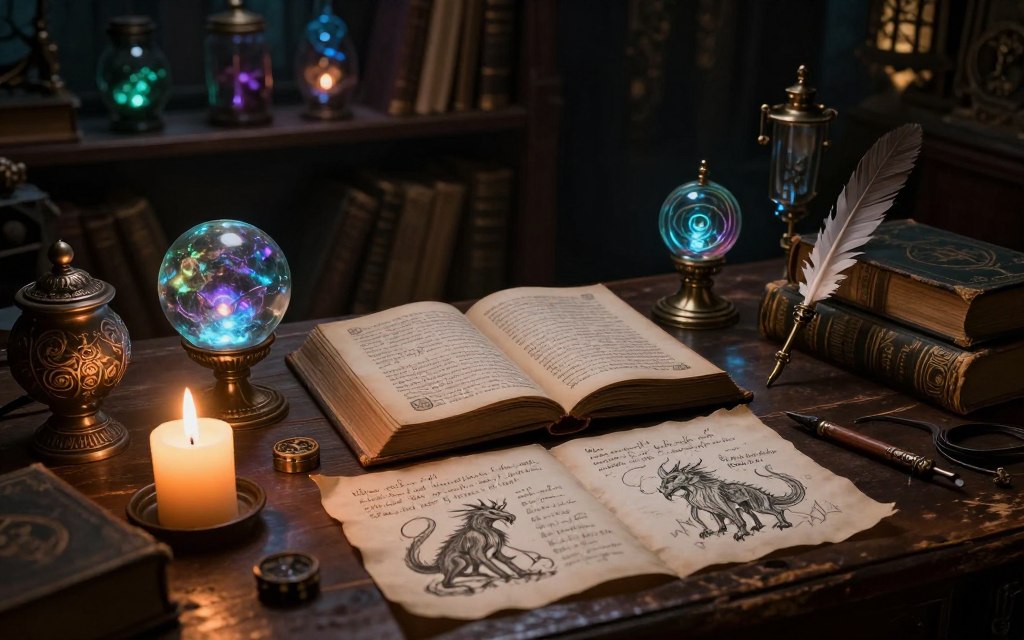
Crafting Dark Fantasy Visual Styles and Mood
A strong dark fantasy visual style builds mood through color, light, characters, and settings. These choices help atmospheric AI art feel planned and memorable.
Color Palettes and Lighting Techniques
A thoughtful dark fantasy color palette sets the mood and gives each scene a clear emotional direction.
- Charcoal
- Desaturated blue
- Forest green
- Oxidized bronze
- Blood red
- Candlelight amber
- Cold moonlight
These colors can suggest mystery and tension. Selective highlights direct the viewer’s eye and strengthen key points in each scene. Backlighting, volumetric fog, flickering firelight, and high-contrast silhouettes add depth, intrigue, and drama.
Character Design and Costuming
In fantasy character design, clear shapes and distinctive masks help viewers recognize each character. Layered armor, weathered fabrics, and symbolic accessories can reveal a character’s backstory. Consider adding these details:
- Scars that tell a story
- Unique weapons
- Controlled color accents for emphasis
These elements define characters and strengthen the narrative of your dark fantasy world.
Environment and World-Building Elements
Effective dark fantasy world-building creates settings that feel real and immersive. Think of:
- Ruined architecture
- Overgrown courtyards
- Cursed forests
- Fog-covered marshes
- Ancient relics
- Underground chambers
- Signs of civilization in decline
These settings provide more than a backdrop; they add emotional weight to the narrative. Recording visual rules across scenes preserves continuity and makes your dark fantasy universe feel whole.
| Element | Importance | Examples |
|---|---|---|
| Color Palette | Sets mood and tone | Charcoal, Blood Red |
| Lighting Techniques | Creates depth and drama | Backlighting, Flickering Firelight |
| Character Design | Defines personality and story | Layered Armor, Unique Weapons |
| World-Building | Immerses the viewer | Ruined Architecture, Cursed Forests |
Adding Motion, Sound, and Atmospheric Effects
Motion brings static images to life and turns them into dynamic stories. This change matters in dark fantasy because it supports engaging storytelling. Cinematic techniques can deepen the viewer’s experience and draw them into the crafted world.
One effective method uses cinematic camera movement. Slow pushes, controlled pans, and tracking shots can guide the audience’s focus. An orbiting camera can create intimacy with a character, while crane-style reveals can show dramatic landscapes.
Avoid too much movement because it may expose generation artifacts and weaken the overall impact.
Next, dark fantasy sound design helps establish the atmosphere. Sound can stir emotions and increase the visuals’ sense of scale. Wind, distant thunder, and whispered voices can draw viewers into the narrative.
Low-frequency drones and magical pulses can raise tension and deepen intrigue.
Moreover, atmospheric video effects such as fog, embers, and glowing runes add scene depth. These effects should support the environment and story, not hide weaker footage. Floating particles and light rays can create a magical mood and invite viewers into the fantasy.
Finally, adding AI particle effects can enrich the visual experience. Sparks, ash, and smoke can make scenes feel more alive and engaging. By balancing these effects, creators can shape a captivating dark fantasy narrative that resonates with their audience.
Editing and Post-Production Techniques
Transforming raw footage into a captivating dark fantasy video requires effective editing. This fantasy video post-production phase gives AI-generated clips a unified cinematic identity. Organize footage by scene, choose strong takes, and trim inconsistent frames into a clear beginning, middle, and end.
Color Grading for Dark Fantasy Aesthetics
AI video color grading is essential in dark fantasy video editing. It separates correction from creative styling; adjust exposure, contrast, and saturation to strengthen the mood. Watch shadow detail and highlights, then use selective color adjustments to emphasize specific scene elements.
Pacing, Transitions, and Rhythm
Effective pacing keeps viewers engaged and creates a dynamic flow. Use cinematic video transitions, including hard cuts for drama, dissolves, and fades between scenes. Match cuts, whip transitions, and sound-led transitions add creativity while supporting your dark fantasy story’s narrative rhythm.
Adding Text, Titles, and Final Touches
Typography shapes your dark fantasy video. Use restrained typography to improve readability, and position dark fantasy titles so they complement the visuals. Atmospheric overlays, film grain, and subtle vignettes add depth; sharpen and stabilize footage, then check that audio complements the visuals seamlessly.
| Editing Technique | Description | Best Use Case |
|---|---|---|
| Color Grading | Adjusting colors for mood and consistency. | Enhancing the dark fantasy aesthetic. |
| Cinematic Transitions | Techniques to move between scenes. | Maintaining narrative flow. |
| Typography | Text placement and style in videos. | Adding titles and credits. |
Common Mistakes to Avoid When Making Dark Fantasy AI Videos
Making dark fantasy AI videos can be exciting, but common mistakes may weaken your work. These dark fantasy AI video mistakes include prompt errors, technical faults, and legal or ethical concerns.
Prompt-Related Pitfalls
Writing clear prompts is vital when making dark fantasy AI videos. Avoid these common AI prompt errors:
- Vague Descriptions: Providing unclear or ambiguous prompts can lead to unexpected results.
- Contradictory Instructions: Mixing conflicting elements in your prompts confuses the AI and produces poor outcomes.
- Too Many Visual Elements: Overloading prompts with excessive details can overwhelm the AI, resulting in cluttered visuals.
- Inconsistent Character Details: Failing to maintain consistent descriptions can lead to characters that appear disjointed.
- Focus on Style Without Action: Prompts that emphasize style over action may yield visually stunning but narratively weak results.
Technical and Quality Issues
Technical faults can lower the quality of dark fantasy AI videos. Common AI video problems include:
- Flickering Faces: This issue can detract from the realism of your characters.
- Distorted Hands: Anomalies in character anatomy can break immersion.
- Unstable Objects: Objects that appear to float or wobble can confuse viewers.
- Inconsistent Lighting: Lighting that varies between shots can disrupt the visual flow.
- Low-Resolution Exports: Always export at high quality to maintain visual integrity.
Legal and Ethical Considerations
When making dark fantasy AI videos, follow AI-generated content ethics carefully. Also, understand copyright and AI video rules.
- Respect Copyrighted Characters: Ensure that your content does not infringe on existing intellectual property.
- Check Commercial-Use Terms: Always verify the usage rights of any assets you incorporate.
- Obtain Rights for Music and Stock Assets: Use licensed materials to avoid legal issues.
- Label Synthetic Media: Transparency is crucial when using AI-generated content.
- Avoid Deceptive Impersonation: Misleading representations can harm your credibility.
- Treat Sensitive Content Responsibly: Handle themes of horror or violence with care to avoid alienating your audience.
Avoiding these mistakes can improve your dark fantasy AI videos and create a better viewer experience. For more video tips, read our guide on how to make AI videos.
Best Practices and Pro Tips for Stunning Results
Strong dark fantasy AI video tips begin with creative vision and clear professional AI video practices. Gathering ideas, refining your workflow, and building a clear style can raise each project’s quality.
Workflow Optimization Strategies
Efficient workflows save time and reduce costs. These AI video workflow optimization steps can help you work with greater control. Here are some strategies to consider:
- Create a Visual Bible: Compile reference images and styles that resonate with your vision.
- Systematic File Naming: Use clear, descriptive names for files to keep your project organized.
- Version Control: Maintain different versions of prompts to track changes and improvements.
- Generate Low-Cost Previews: Test concepts using quick, low-resolution renders before committing to full production.
- One Variable Testing: Adjust only one element at a time to understand its impact on the overall project.
- Use Shot Lists: Plan your scenes in advance to streamline the shooting process.
- Backup Project Assets: Regularly save copies of your work to prevent data loss.
- Consistent Resolution and Frame Rate: Ensure uniformity in video quality for a professional finish.
Inspiration and Reference Gathering
Inspiration can come from many sources. Use these fantasy video inspiration methods to gather strong ideas.
- Explore public-domain artwork for visual styles.
- Study architecture to inspire unique environments.
- Watch films that embody dark fantasy themes.
- Research folklore and natural environments for narrative elements.
- Look into historical clothing for character design.
- Use photography to capture atmospheric elements.
- Sketch your ideas to develop a personal style.
Building a Recognizable Dark Fantasy Style
Build consistent AI character design through the elements below, and shape a style viewers can recognize.
- Recurring Color Relationships: Use a consistent palette to evoke specific emotions.
- Camera Language: Develop a unique approach to camera angles and movements.
- Character Silhouettes: Create distinct shapes that represent your characters.
- Environmental Motifs: Integrate recurring themes, like fog-filled forests or moonlit ruins.
- Sound Cues: Use specific audio elements to enhance the atmosphere.
- Narrative Themes: Maintain a consistent storytelling approach throughout your videos.
Use red magical accents or worn ceremonial armor to build a distinct creative identity. These details help audiences recognize your work.
Conclusion
Creating dark fantasy AI videos lets you create cinematic AI videos with creativity and technology. Begin with a focused story concept that captivates your audience. Build consistent reference images, animate selected shots, write precise prompts, and use lighting and color to shape mood.
Layered sound and atmospheric effects are vital to dark fantasy content creation. They immerse viewers in your world. Finish with thoughtful editing and color grading; combine AI generation, human direction, and quality control for polished results.
Start with a short scene or trailer instead of a full-length feature. Repeated experiments help you refine your workflow, while visual checks protect consistency and technical quality. Respect intellectual property rights as you develop your distinctive dark fantasy style over time.
To explore this process, try various AI fantasy video tools that can strengthen your storytelling. Use this dark fantasy AI video guide to explore dark fantasy AI video creation and let your imagination soar.


 By
By

 By
By